Create Double Exposures That Feel Intentional
Double exposures can look complicated, but creating better ones starts long before Photoshop. We put together 10 concepts you can take into your next session: what to shoot, what to look for, and how the images work together.
10 Double Exposures to Try at Your Next Session
The Photoshop Part Isn't the Hardest Part
Most tutorials teach double exposures backwards. They start with layers, masks, and blending modes… the technique you can learn from any five-minute video.
The harder questions come earlier. What should you actually photograph? Which two images will work together, and why does one combination feel intentional while another feels like two random photos stacked on top of each other?
That’s usually the part photographers get stuck on. Not the software. Learning to see the possibilities before you ever open Photoshop.
A Few Ways to Think in Layers
Some of the combinations we keep coming back to.
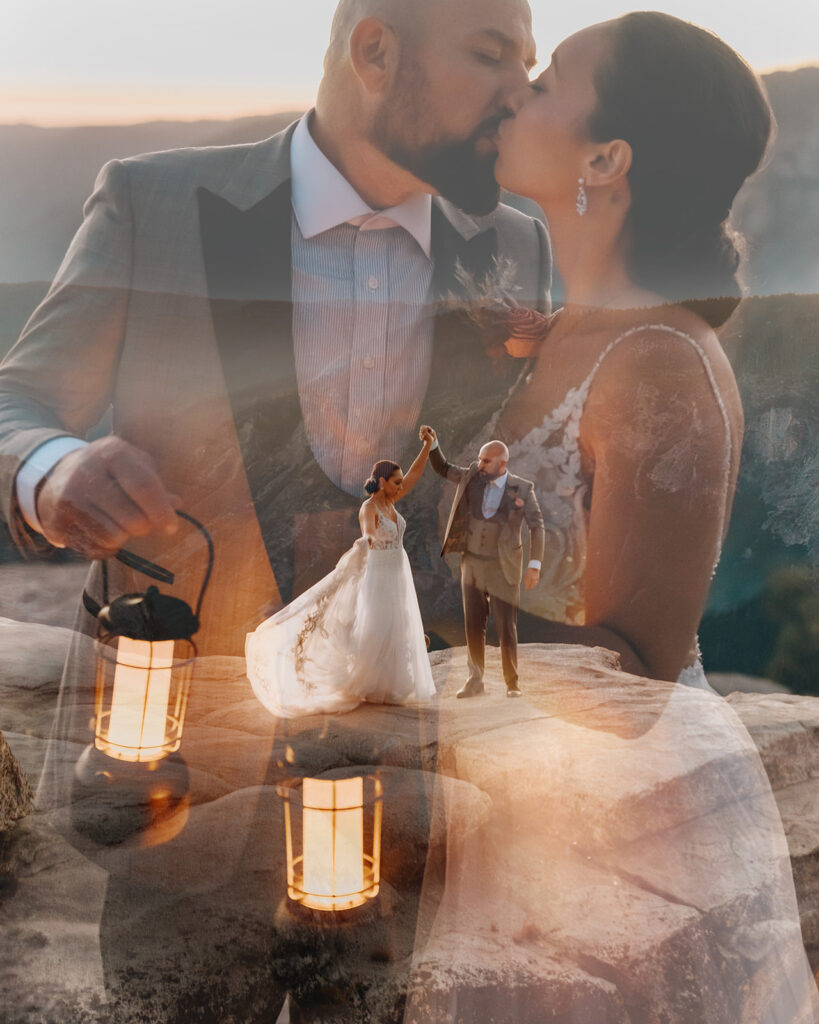
Elopement photography double exposure edited in Photoshop
Double exposure wedding portrait, composite in the bride's veil
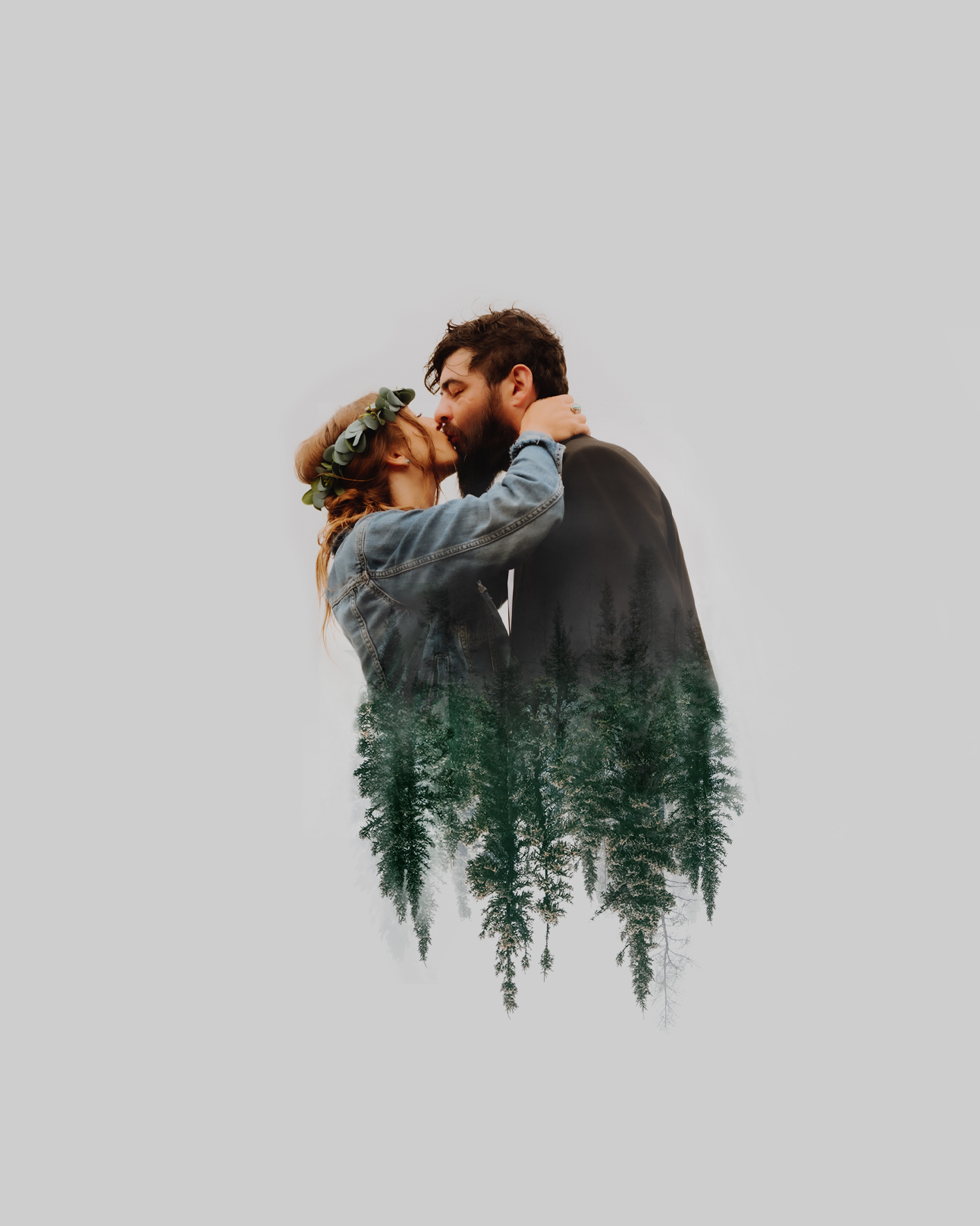
Creative Photoshop edit of a couple faded into trees
Double exposure showing engagement ring over couple after recent proposal
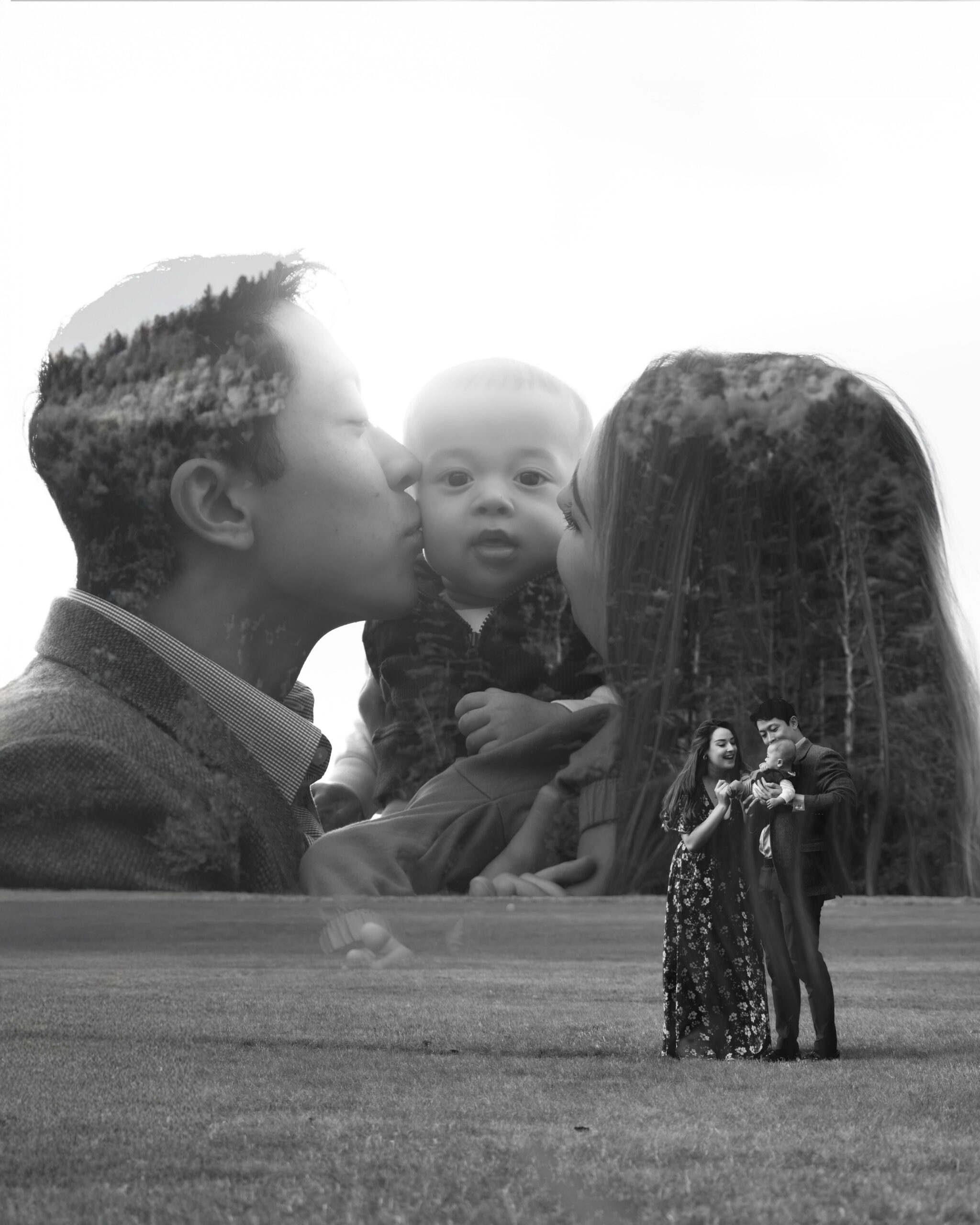
Black and white family photo double exposure with parents kissing their baby's cheeks overlayed on a wide shot of the family
Sunset double exposure of elopement on a mountain in the Adirondacks
Wedding double exposure on top of a mountain by The Pinckards
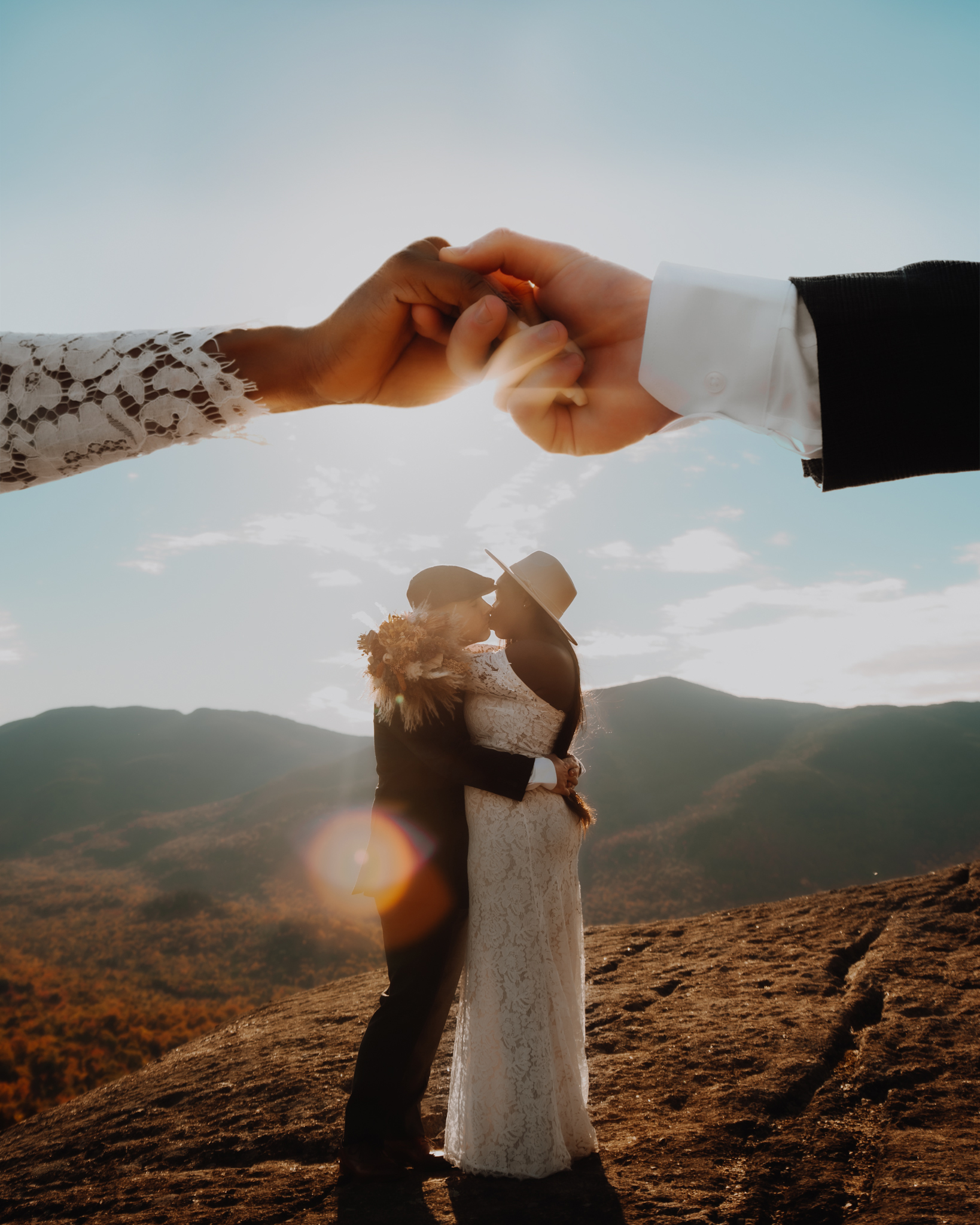
Double exposure wedding photo made in photoshop with hands over the couple's head
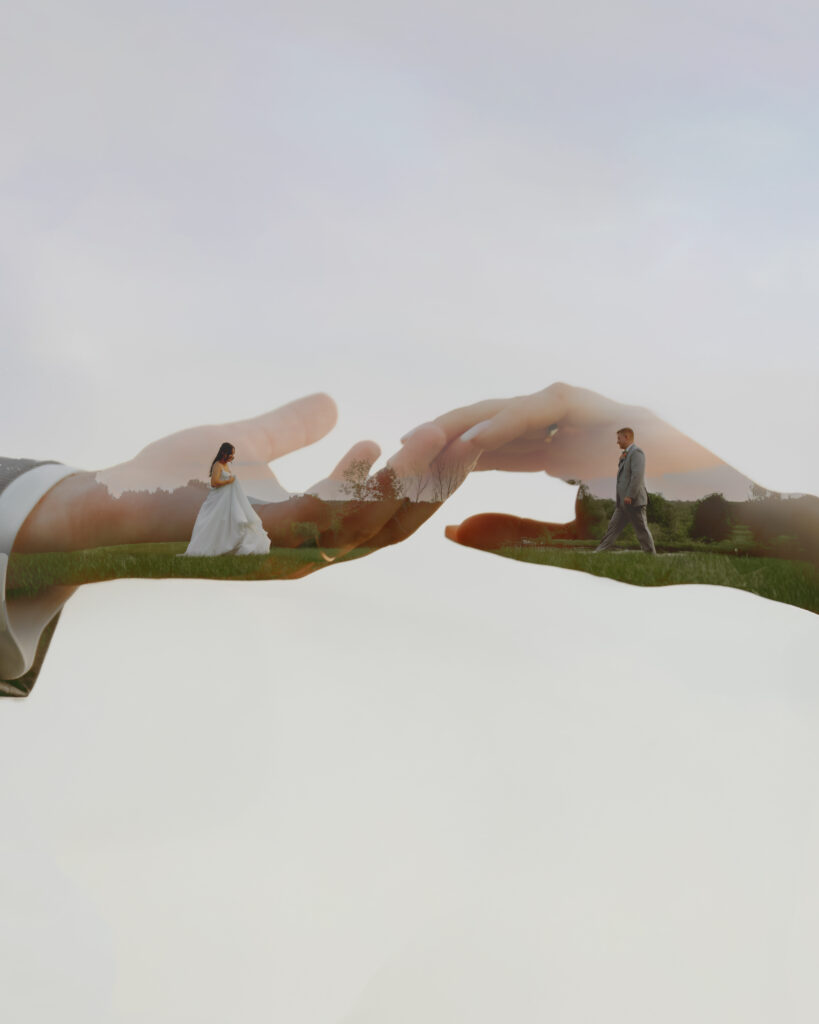
Want the Guide?
10 Double Exposures to Try at Your Next Session
This isn’t a gallery of finished images. It’s a working shot list… ten specific concepts, what to photograph for each, and what to look for while you’re shooting. There’s a short planning worksheet at the end so you can start thinking through your own combinations instead of just recreating ours.
-
10 specific double exposure concepts
-
What to photograph for each one
-
What to look for while you're shooting
-
Ideas you can adapt to your own style
-
A short worksheet for planning your own combinations
Send Me the Guide
Enter your email and we’ll send the guide straight over.
(list: Double Exposure Freebie Opt-Ins)
Why We Teach This
We’re Dan and Laura Pinckard, the husband-and-wife team behind The Pinckards. Years ago, experimenting with double exposures pulled us out of a creative rut, and it became one of the most recognizable parts of our work. It didn’t take long before other photographers started asking how we made them.
The more we’ve taught it, the more we’ve realized the technical part isn’t what trips people up. It’s learning to recognize the possibilities while you’re still out shooting, before there’s anything to edit at all.
We're Building Something Bigger
We’re currently developing an in-depth course on how we approach double exposures and Photoshop composites… from what we shoot in-camera to how we combine the final images. It goes deeper than the mechanics and focuses on how to actually think through these images creatively.
It isn’t available yet. Download the guide and join the list, and you’ll be among the first to hear when it is.
What We're planning for the Full Course
-
Choosing images that work together
-
Pose, silhouette & readability
-
Light vs. dark
-
Composition
-
Masking & blending
-
Photoshop compositing
-
In-camera double exposures
-
Storytelling through layers
-
Developing your own concepts
-
Finding your own style
Questions
Do I need to be good at Photoshop?
No. Some Photoshop knowledge helps, but creative thinking is the bigger part of what we teach. We’re also developing beginner-friendly Photoshop resources.
Is the double exposure course available yet?
No. It’s still in development. The free guide is available now, and joining the list is the best way to hear when the full course launches.
Is the guide only for wedding photographers?
No. These concepts work for weddings, couples, portraits, seniors, editorial work, and beyond.
Do I need a camera with an in-camera double exposure mode?
No. Most of the double exposures in the guide are created by photographing separate images and combining them later in Photoshop.
Try Something Different at Your Next Session
Get 10 double exposure ideas you can take with you into your next shoot.